The Vlogger's Guide to Clean Audio: Street, Cafe, Wind, and Car
Fix vlog audio scene by scene: traffic, cafe chatter and music, wind, and car rumble. What to fix while filming, what you can save afterward, and real before/after clips.
Most vlog audio problems come from four places: traffic, a busy cafe, wind, and the inside of a car. Each one needs a different fix, and two of them are better solved while you film. Traffic and car rumble are steady, so they clean up well afterward. Wind gusts and other people's voices are harder, and some of it can only be prevented.
If you already have a clip that sounds bad, upload it to the EraseNoise video noise remover and play the free 30-second preview against the original. The picture isn't re-encoded, so the only thing that changes is the sound. This guide tells you which scene you're dealing with and where to go next.
Key Takeaways
- Steady noise such as traffic, a car engine, an air conditioner, or an espresso machine lowers well after filming. Sudden or speech-like sounds such as gusts, shouts, and nearby conversations are harder.
- A clip-on mic close to your mouth fixes more vlog audio than any software, because it makes your voice louder than the scene.
- Cafe music is a copyright problem as well as a sound problem. It can match YouTube's Content ID, so remove it before you publish.
- You don't need to remove every trace of the scene. In our measurements, 80% strength made the background about 14 dB quieter, and the voice kept a sense of place.
The four places vlog audio goes wrong
The street. Traffic is a steady low wash with sudden spikes: a horn, a bus, brakes. The wash lowers well. A horn on top of a word may stay.
The cafe. Three sounds at once: the espresso machine, other tables talking, and the music on the speakers. The machine is easy, the chatter is hard, and the music can get your video claimed.
Wind. Wind on a mic isn't really background noise. It's the air hitting the mic, and strong gusts create low thumps that can overload the recording. Light wind lowers well. Clipped gusts can't be undone.
The car. Road and engine noise is a low, steady rumble. It lowers well, but it overlaps the low part of a voice, so pushing the cleanup too far makes you sound muffled.
Scene index: which fix for which scene
| Scene | What you hear | Can you save it afterward? | Go here |
|---|---|---|---|
| Street | Traffic wash, horns, buses | Wash yes. Horns on words partly | Remove traffic noise |
| Cafe | Espresso machine, cups, chatter, music | Machine yes. Music often. Near chatter no | Cafe vlog guide |
| Market, event, crowd | Babble, laughter, cheers | Distant babble yes. Near voices no | Remove crowd noise |
| Beach, hilltop, boat | Wind rumble and gusts | Light wind yes. Clipped gusts no | Remove wind noise from video |
| Car | Engine, road, AC fan | Yes, with the strength turned down | Video noise remover |
| Hotel room, empty flat | Echo, AC hum | Hum yes. Echo with a separate tool | Remove echo |
| Quiet room at home | Fridge, fan, room hiss | Yes, without going all the way to silence | Remove ambient noise |
| Music under your voice | A song from a speaker or a stage | Often, from the soundtrack | Remove background music |
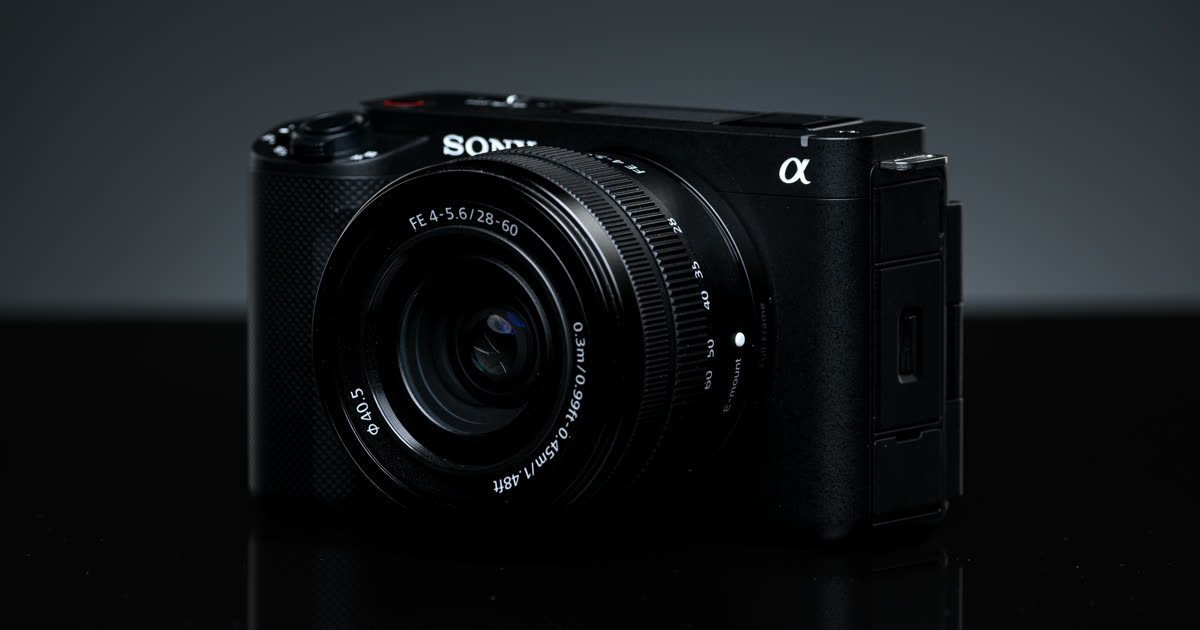
Photo: Henry Söderlund, CC BY 2.0, via Wikimedia Commons.
Gear that prevents most of it
The cheapest fix is distance. A mic near your mouth hears you loudly and the scene quietly. A camera mic at arm's length hears both at nearly the same level.
- A clip-on mic. A wired or wireless lavalier worn on your collar or chest is the biggest single upgrade for vlog audio. Everything else in this guide gets easier with it.
- A furry windscreen. For outdoor shots, put the fluffy cover that came with your wireless mic on before you hit record, and add a furry when foam isn't enough. Our wind noise guide covers what each one does.
- Your mic's noise reduction switch. On a DJI Mic 2, a single press of the transmitter's power button turns noise reduction on or off (DJI Mic 2 user manual, retrieved 2026-10-26). Built-in noise reduction works live, so test it on a short clip before a long shoot.
- Your phone's own options. On iPhone, Voice Isolation is a mic mode for recording apps on iOS 26 or later. On iPhone 16 and later, except iPhone 16e, Photos has an Audio Mix edit for videos recorded with Spatial Audio. Details are in our iPhone noise guide.
Fixing a vlog clip you already shot
You can't go back to the scene, so work out what you have before you spend time on it.
- Name the scene. Use the table above. Is the noise steady (traffic, car, machine) or sudden and speech-like (gusts, shouts, nearby voices)?
- Handle the music first, if there is any. A noise remover keeps voices, and a song with vocals has a voice in it. Export the soundtrack and use the background music remover, then put the cleaned audio back under the picture.
- Preview the noise cleanup. Upload the video to the video noise remover. It takes MP4, MOV, M4V, or WebM up to 2 GB, and the free preview picks the 30 seconds with the most sustained sound in the first 10 minutes. No account is needed for 3 previews a day.
- Set the strength. If your voice turns thin, lower it. See the next section.
- Download only if your voice is clearer. The MP4 keeps the same picture: H.264 and HEVC frames are copied as they are. You can also download just a 48 kHz WAV to lay under the clip in your editor. Full files use paid minutes, and uploads are deleted after 24 hours.
If you edit in CapCut, its Reduce noise switch is a fine first try for light, steady noise. Our CapCut guide shows where it is.
What to keep: ambience vs noise
A travel vlog with no sound of the place feels wrong. Waves, a market, a street in Tokyo: viewers want to hear where you are. The goal is a scene that sits under your voice, not a scene that's gone.
That's what the strength slider is for. It mixes your original back into the cleaned audio. We measured what that does on real recordings. At 50% strength the background was about 6 dB quieter than the original. At 80%, about 14 dB quieter. At 100%, the quietest moments dropped to silence or close to it, and that's when voices start to sound hollow. The full measurements are in how to remove ambient noise without a thin voice.
A simple rule: start at full strength to hear what's possible, then come down until the place sounds like a place again.
Before and after: street, wind, and cafe sounds
These clips are real. The street and wind clips come from two creators' vlogs published on YouTube under CC BY. The cutlery clip is from the Microsoft DNS Challenge test set. Each one was processed by EraseNoise with no other edits.
Street. A city vlog with traffic behind the voice.
Original
Cleaned by EraseNoise
Wind. An outdoor vlog with wind on the mic.
Original
Cleaned by EraseNoise
Cups and cutlery. The clinks you get near a cafe counter. Background score 1.96 → 4.13 out of 5.
Original
Cleaned by EraseNoise
More samples, with scores, are on the noise removal examples page.
Next step
Pick your scene and go one level deeper:
- In a cafe: chatter, espresso machine, and copyrighted music
- In a crowd, a market, or at an event: how to remove crowd noise
- In a quiet room that still hums: remove ambient noise without a thin voice
- Outside in the wind: remove wind noise from video
- On a busy street: remove traffic noise from audio
Or upload the clip to the video noise remover now and hear 30 seconds free.
Frequently asked questions
How do I get clear audio when vlogging outside?
Wear a clip-on mic with a furry windscreen, keep your back to the traffic or the wind, and record a few seconds of the scene with nobody talking. Afterward, lower the steady noise with a speech noise remover and leave a little of the place in.
Do I need an external mic for vlogging?
Not to start, but it's the biggest upgrade you can make. A mic close to your mouth makes your voice louder than the scene, which every cleanup step depends on. A phone's built-in mic is fine in quiet places and struggles on streets and in wind.
Can I fix vlog audio after filming?
Often, yes. Steady noise such as traffic, car rumble, air conditioning, or an espresso machine lowers well. Wind gusts that overloaded the mic, and other people talking close to you, are hard to fix. Re-record those lines as a voiceover.
Should I remove all background noise from a travel vlog?
Usually not. A little of the scene tells viewers where you are, and removing all of it is what makes voices sound hollow. Turn the cleanup down until your voice is clear and the place still sounds like a place.
Sources
- DJI, DJI Mic 2 user manual, retrieved 2026-10-26.
- Apple, How to edit videos on your iPhone, iPad, Mac, or Apple Vision Pro (Audio Mix), retrieved 2026-10-26.
- YouTube Help, How Content ID works, retrieved 2026-10-26.
- Street clip: Roman Toronto, YouTube video, CC BY. Wind clip: Parker Mitchell, YouTube video, CC BY.
- Microsoft, DNS Challenge test set, source of the utensils recording, retrieved 2026-10-26.