Noise Removal Guides
Step-by-step guides to remove background noise, echo, wind, and hum from audio and video, in Audacity, Premiere Pro, CapCut, iPhone, and more.
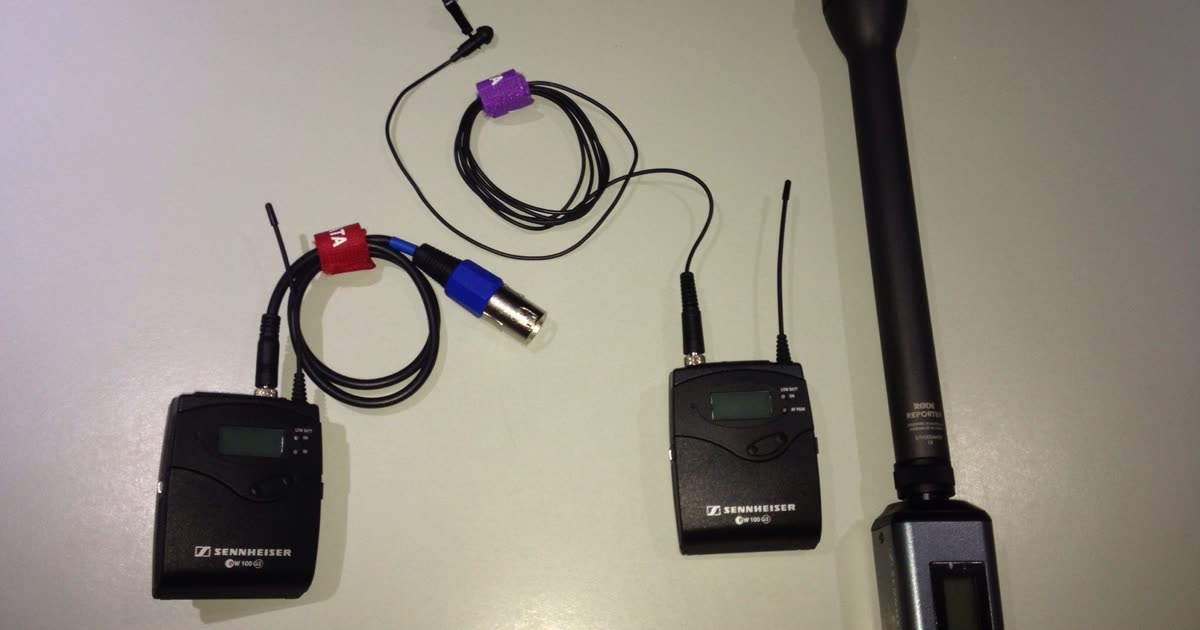
Guides2026/10/26
Best Mic for Vlogging in Noisy Places (and When Software Is Enough)
Choose a vlogging mic for streets, cafes, and crowds: why a clip-on wireless mic beats a shotgun in noise, which features matter, and when a phone mic plus cleanup is enough.
Guides2026/10/26
Best Microphone for YouTube If Your Room Is Noisy
Why a dynamic mic close to your mouth beats a condenser in a noisy room, USB vs XLR for a first setup, picks by room, and how to clean a recording you've already made.

Guides2026/10/26
Filming a Vlog in a Cafe: Chatter, Espresso Machine, and Copyrighted Music
Fix the three sounds in cafe footage: lower the music, then the espresso machine, and decide what to do about chatter. Includes YouTube copyright options and a free 30-second preview.
Guides2026/10/26
How to Clean the Audio in a Video and Put It Back in Sync
Clean a video's soundtrack without losing lip sync: extract it as WAV, clean it, and lay it back at frame one. Or upload the video and skip the round trip.
Guides2026/10/26
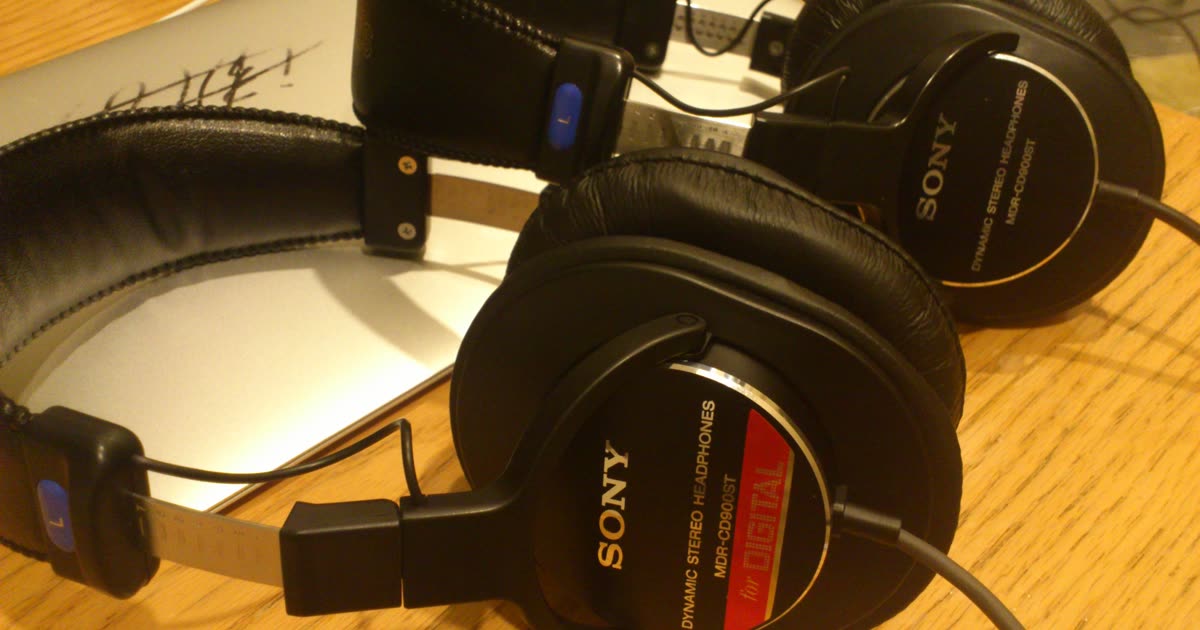
DJI Mic Noise Cancellation: When to Turn It On, and What It Misses
How to turn on noise cancellation on DJI Mic 2, Mic Mini, and Mic 3, when to leave it off, what it can't remove, and how to clean a recording you made without it.
Guides2026/10/26
Why Noise Removal Makes Your Voice Sound Robotic or Underwater
A robotic, watery, or underwater voice after noise reduction means the cleanup took part of the voice. Why it happens and how to fix it in Audacity, CapCut, Premiere, or with a strength slider.
Guides2026/10/26
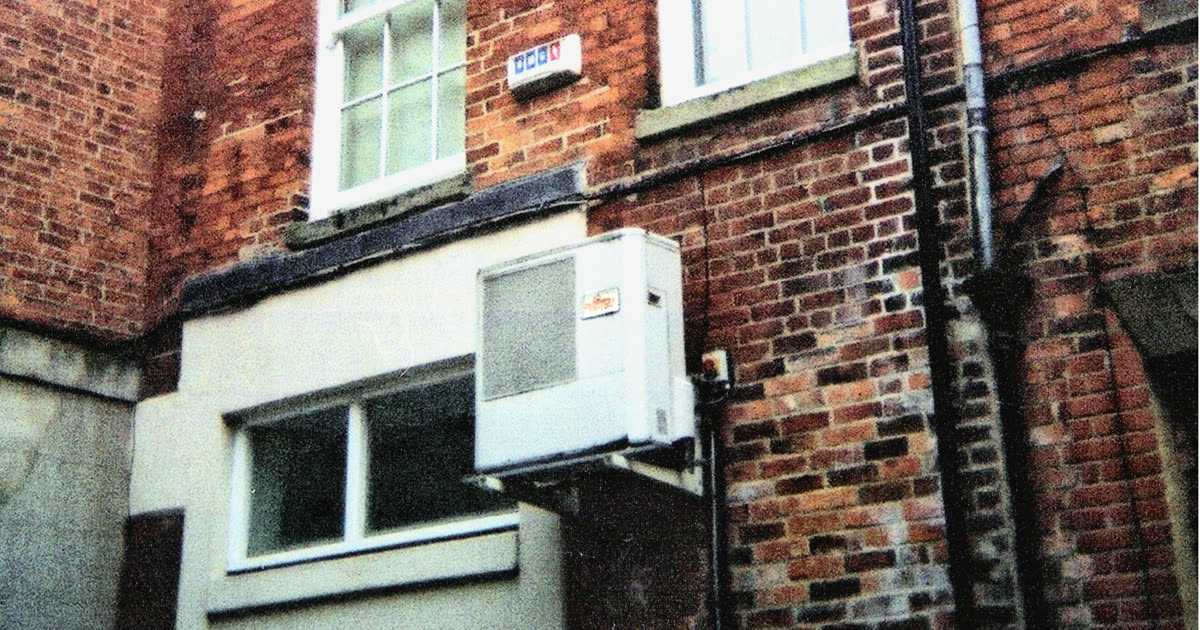
How to Remove Air Conditioner Noise from Audio
AC hum is steady, so it lowers well after recording. How to do it in Audacity, Audition, or with a free 30-second preview, plus what to do when the unit switches on mid-sentence.

Guides2026/10/26
How to Remove Ambient Noise from Audio Without a Thin Voice
Lower the steady room sound behind a voice without making it hollow. Measured strength levels, Audacity and Audition steps, and a free 30-second preview.
Guides2026/10/26
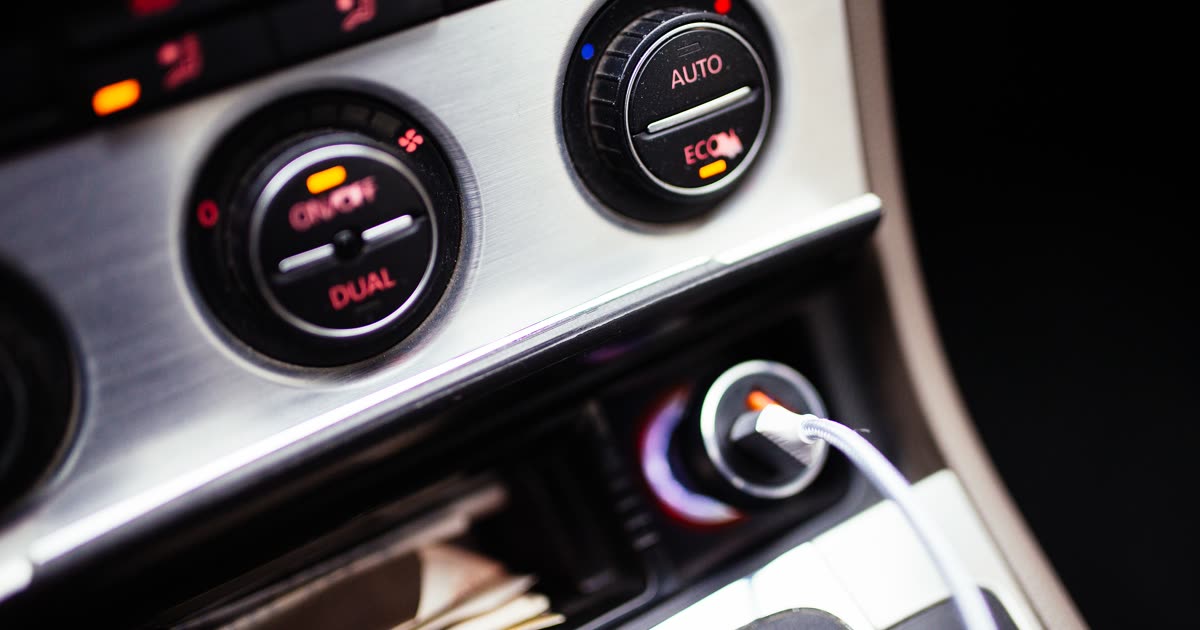
How to Remove Car Noise from a Driving Vlog
Lower road, engine, and AC noise in a driving vlog without a muffled voice. Measured before/after audio, why a high-pass filter isn't enough, and a free 30-second preview.

Guides2026/10/26
How to Remove Crowd Noise from Audio and Video (Cafe, Market, Event)
Lower distant crowd noise behind a voice, and know which nearby voices will stay. Real before/after samples with scores, a free 30-second preview, and when to reshoot.
Guides2026/10/26
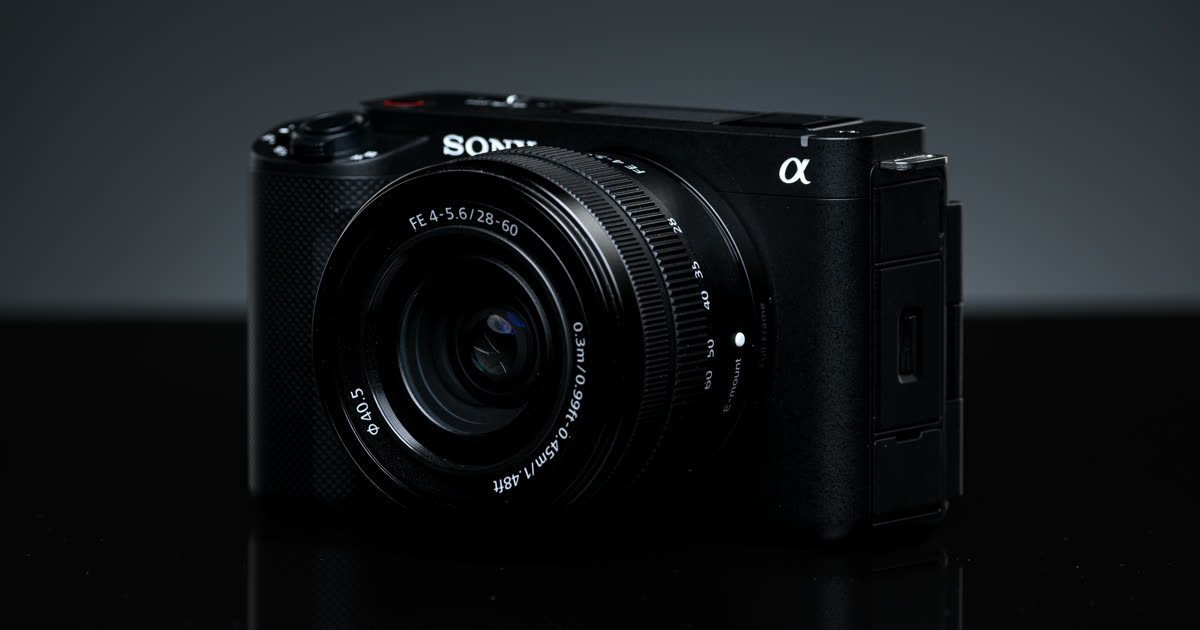
How to Remove Keyboard and Mouse Clicks from a Screen Recording
Typing between sentences is easy to cut; typing under a word is hard for every noise remover, including ours. Measured results, the edits that work, and how to stop it next time.
Guides2026/10/26
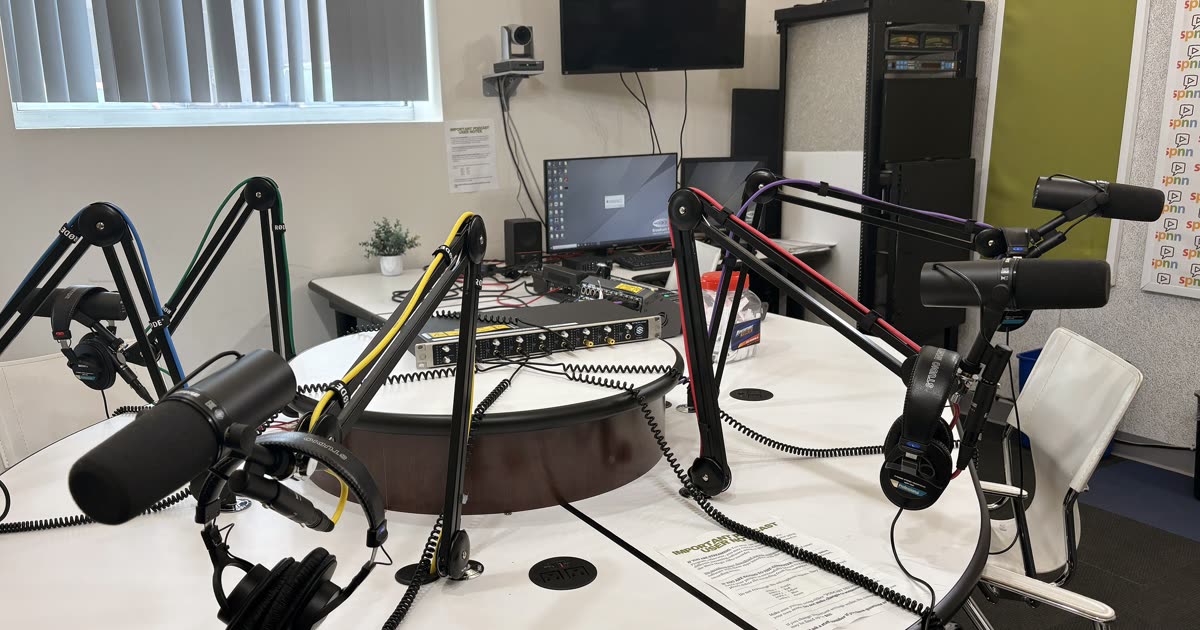
The Vlogger's Guide to Clean Audio: Street, Cafe, Wind, and Car
Fix vlog audio scene by scene: traffic, cafe chatter and music, wind, and car rumble. What to fix while filming, what you can save afterward, and real before/after clips.
Guides2026/10/26
YouTube Audio Quality: How to Fix Echo, Fan, AC, and Keyboard in a Talking-Head Video
Improve the audio quality of your YouTube videos: fix room echo first, then fans and AC, keyboard clicks, and uneven volume. A simple chain for every upload, with real before/after audio.

Guides2026/10/21
How to Remove Background Noise from a Zoom Recording in 2026
Zoom's noise settings can't change a recording you already saved. Find the MP4 or M4A file, clean it in your browser with a free 30-second preview, and set Zoom up for the next meeting.

Guides2026/10/21
How to Remove Background Noise in DaVinci Resolve in 2026 (Free and Studio)
Use the Fairlight Noise Reduction plug-in in the free version or Voice Isolation in DaVinci Resolve Studio, or clean the exported clip in your browser without buying Studio.

Guides2026/10/21
How to Remove Background Noise in GarageBand in 2026
GarageBand's Noise Gate silences the gaps but leaves noise under your voice. Set the gate for silences, and clean the noise under the voice with a free 30-second preview.

Guides2026/10/21
How to Remove Background Noise in iMovie in 2026 (iPhone and Mac)
iMovie on iPhone and iPad has no noise reduction control, so clean the exported video in your browser. On a Mac, use the Reduce background noise slider. Steps for both.

Guides2026/10/21
How to Remove Background Noise in OBS in 2026 (Live and Recorded)
Add Noise Suppression and Noise Gate filters to your mic in OBS Studio for the next stream, and clean a recording or VOD that OBS already saved with a free 30-second preview.

Guides2026/10/21
How to Remove Background Noise in Premiere Pro in 2026
Use Enhance Speech or Repair, Reduce Noise in Premiere Pro's Essential Sound panel, or clean one exported clip in the browser with a free 30-second preview. When each one fits.

Guides2026/10/17
How to Remove Background Noise in Audacity with a Noise Profile
Select noise only, click Get Noise Profile, then start at 6 dB. Or skip the profile and hear a free 30-second preview of the cleaned file in your browser.

Guides2026/10/17
iPhone Voice Isolation in 2026: How to Turn It On, Turn It Off, and Pick a Mic Mode
Open Control Center during a call or recording and choose Voice Isolation to block room noise, or Standard to turn it off. It does not clean a video already on the camera roll.

Guides2026/10/17
How to Remove Wind Noise from a Video You Already Shot
Wind is low rumble, mostly 20 to 250 Hz. Cut that range in your editor, or upload the video and hear a free 30-second preview of the cleaned windy sentence before you process it.

Guides2026/10/16
Adobe Podcast Enhance Speech: How to Use It, and an Alternative
How to run Adobe Podcast Enhance Speech, what files it takes, and when to turn it down. Plus a no-sign-in alternative that previews 30 seconds of the cleaned file free.

Guides2026/10/16
Best Audio Cleaning Software for the Noise You Actually Have
Compare Krisp, NVIDIA Broadcast, Audacity, Adobe Audition, Adobe Podcast, CapCut, and EraseNoise by job: a live call, a saved file with a noise sample, or a file you just want cleaned.

Guides2026/10/16
How to Clean a Noisy Zoom, Teams, or Meet Recording
The noise buttons in Zoom, Teams, and Google Meet change the live call. A recording you already downloaded needs a file cleanup, not another meeting setting.

Guides2026/10/16
How to Remove Background Noise from Video You Already Shot
Clean a video you already shot without a reshoot. Upload it for a free 30-second preview, or use Premiere, DaVinci Resolve, or Audacity. Keep the result only if the speaker still sounds like themselves.

Guides2026/10/16
How to Remove Background Noise in Adobe Audition: Noise Print Guide
Capture half a second of noise only, then run Noise Reduction in Audition's Waveform Editor. Or skip the noise print and hear a free 30-second preview of the cleaned file in your browser.

Guides2026/10/16
How to Remove Background Noise in CapCut Without a Thin Voice
Use Reduce noise on CapCut desktop, or noise reduction on CapCut Web. Or clean the exported video in your browser and compare a free 30-second preview before you download.

Guides2026/10/16
How to Reduce Background Noise on Discord in 2026: Krisp, Input Sensitivity, and Push to Talk
Turn on Krisp, set input sensitivity by hand, or switch to Push to Talk so a fan, a dog, or a keyboard stays off your Discord mic. Plus what to do when Krisp is not working.

Guides2026/10/16
How to Remove Dog Barking from Audio Without Losing the Words
Cut a bark that sits between sentences, and test a bark on a word before you keep the cleanup. Upload the file and hear a free 30-second preview of the cleaned sentence first.