1
Upload the recording
To remove static from audio, upload the voice file or the video. You do not need to mark a noise-only gap first.
Lower the hiss and static under a voice, and hear 30 seconds free before you download.
Last updated
Upload the file above to remove static from audio and play 30 seconds of it, original and cleaned, before you pay. Static is easiest to hear in the pauses, but judge the words: the s and t sounds should stay crisp.
The opening with the static still under it. Listen to a pause first so you know what the hiss sounds like.
The same 30 seconds after the static is lowered. The speaker should sound like the same person, only closer.
People call several different sounds static. A steady hiss is the one an AI cleanup handles best. Crackle and pops are short bursts, so check them in the preview before you remove static from audio for the whole file.
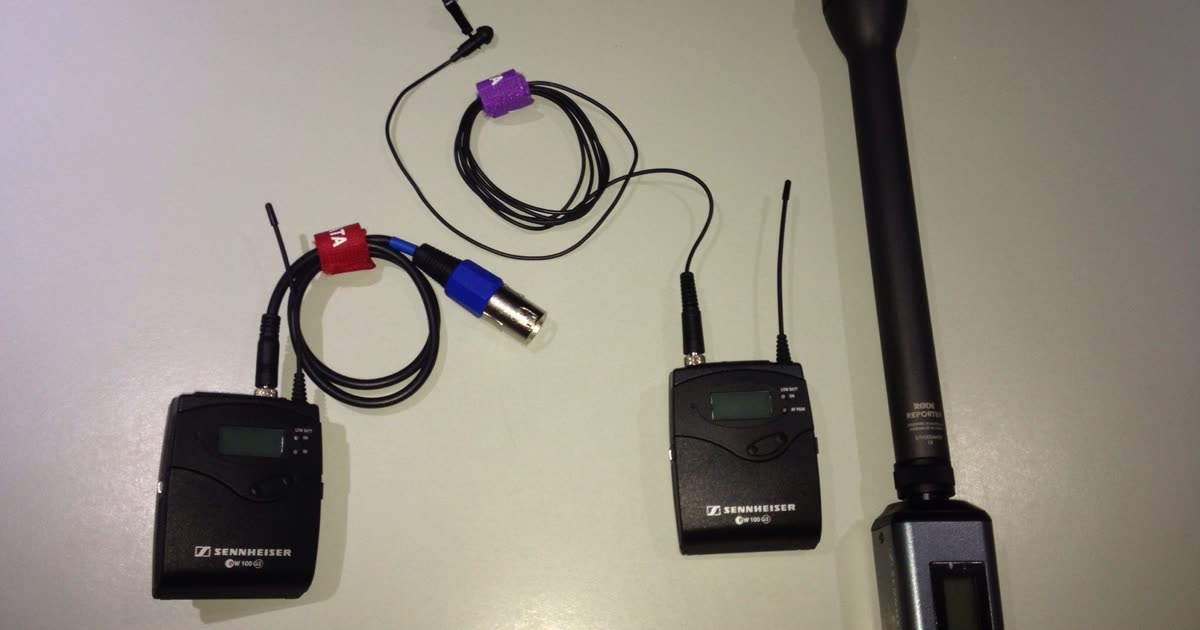
A preamp turned up to catch a quiet voice adds a constant "shhh" under it. USB mics, lavaliers, and camera inputs do this most. It is the static this tool lowers best, so you can remove hiss from audio like this without a noise profile.
Old cassettes, MiniDV tapes, and phone voicemails carry a soft hiss on every word. Upload the digitized file to remove static from audio of an old tape and keep the voice.
A worn jack or a cable that moves during the take makes irregular pops. Short pops between words drop. A crackle that lands on a word may stay.
If the mic was overloaded, the "static" is clipping inside the voice. No noise remover rebuilds the clipped words. Lower the input level next time.
Try the audio enhancerAn editor asks you to find a second of pure hiss and build a noise profile from it. Here the voice is the reference.
Audacity and Premiere Pro work best when you select a gap with only static in it. Many recordings have no clean gap. This tool needs only the file.
The model keeps speech and lowers what is not speech, so it can remove static noise from audio without the muffled sound of a plain low-pass filter.
A voice file comes back as WAV. A video comes back as MP4 with the same frames, so a hissing interview clip does not need a new export.
A silent pause is not the test. Judge the consonants and the breath of the voice.
Hiss and the top of the voice share the same range. If the cleaned voice sounds dull or lispy, the cleanup took too much.
The Noise reduction control mixes some of the original back in. A little hiss left under a natural voice is better than a clean pause and a thin voice.
Upload the recording that already has the static or hiss in it, up to 2 GB.
A voice file downloads as WAV.
A video downloads as MP4. The frames match the file you uploaded.
To remove static from audio, upload the voice file or the video. You do not need to mark a noise-only gap first.
Play the original and the cleaned preview, no account needed. Listen to the words as well as the pauses.
Process the whole file only if the static is lower and the voice still sounds natural.
The gain was high for a soft-spoken guest, and the whole episode hisses. Remove static from audio for the full take instead of booking the guest again.
A wireless or wired lav added a steady hiss under the answers. Upload the video and keep the same shot.
A digitized cassette, a camcorder tape, or a voicemail of someone you want to keep. Lower the hiss and download a WAV of the voice.
Use this page for hiss and static under speech. A low steady tone is hum, and a whir is a fan.
| Job | Use |
|---|---|
| Hiss or static under speech | Use this static page |
| A low electrical tone or a raspy buzz | Remove buzz and hum from audio |
| Fan, air conditioner, or computer whir | Remove fan noise from audio |
| Traffic, wind, or general room noise | Remove background noise from audio |
| Crackle and distortion from an overloaded mic | Not fixable here. The words themselves are damaged; re-record if you can. |
| Hiss on a music track or a vinyl record | Not supported. This tool keeps speech, not instruments. |
After you remove static from audio, EraseNoise deletes the upload and the result 24 hours later. They are not public demos. Download your copy inside that day.
Monthly and yearly prices stay visible together. You pay after the preview sounds right and you keep the full file. Pro includes 20 hours a month, not unlimited cleaning.
Free
Try it on your own recordings
Upload and preview$9.99/month
$9.99/month, or $95.88 per year ($7.99 per month)
For weekly podcasts and video creators
Get StartedBuy minutes once. They do not expire.
1 Hour Pack
$2.99
Pay once, use whenever you need
5 Hour Pack
$9.99
Lower price per minute for bigger projects
| Plan | Price | Includes |
|---|---|---|
| Free | $0 | Free 30-second previews, Unlimited silence removal, Files deleted after 24 hours |
| Pro monthly | $9.99/month | 20 hours of processing per month, Audio and video, Noise and echo removal |
| Pro yearly | $95.88 per year ($7.99 per month) | 20 hours of processing per month, Audio and video, Noise and echo removal |
| 1 Hour Pack | $2.99 | 60 minutes of processing, Audio and video, Minutes never expire |
| 5 Hour Pack | $9.99 | 300 minutes of processing, Audio and video, Minutes never expire |
Upload the recording at the top of this page and compare 30 seconds, original and cleaned. Download the WAV or MP4 only if the static is lower and the voice still sounds natural. You do not need to capture a noise profile.
Yes, when the static is a steady hiss under the voice. To remove static noise from audio like this, you need only the file, and the speech stays. Re-recording is the better fix only when the mic was overloaded and the words themselves are distorted.
Hiss is a bright, steady "shhh", usually from a mic preamp or tape. Static is the everyday name for that hiss, plus crackle and pops. Hum is a low electrical tone. This page is for hiss and static; for hum, use the buzz and hum page.
Short pops between words usually drop. A crackle that lands on a word is part of that word, so some of it may stay. Check the preview before you process the whole file.
Yes. Upload an MP4, MOV, M4V, or WebM. The cleaned download is an MP4, and the picture is not changed.
No. The model keeps speech and lowers everything else, so it would lower the instruments too. Use it on someone talking.
Hiss sits in the same high range as the s and t sounds of a voice, so a strong cleanup can soften them. Turn the Noise reduction control down, or keep the original if the preview does not sound better.
You can hear the 30-second preview 3 times in 24 hours without an account, and 20 times in 24 hours after you sign in. The upload limit is 2 GB. The full file is billed in whole minutes, rounded up, with a minimum of 1 minute.
Remove noise from audio
Wind, fans, traffic, and hum
Remove noise from video
Clean the soundtrack of MP4, MOV, WebM
Remove echo
A repeat you can count after a word
Remove reverb
Shorten a dense room wash
Audio enhancer
Make speech easier to hear
Remove background music
Lower music under someone talking
Instrumental maker
Take the vocal out of a song
Acapella extractor
Keep only the vocals of a song
Remove vocals from a song
The music stays, the singing goes
Karaoke maker
Turn a song into a backing track
Remove silence
Cut pauses, free and in your browser
Extract audio from video
Save the soundtrack as M4A, MP3, or WAV
Normalize audio
Set loudness to -14 or -16 LUFS, free
Increase video volume
Make a quiet video louder, picture untouched
Remove buzz & hum
Lower electrical hum under a voice
Remove applause & clapping
Lower claps around a speech
Whether you need to clean a podcast, a meeting, or a video you already shot, these guides show the next step.
Upload one file. Keep the download only if the hiss is lower and the voice still sounds like the speaker.
Upload your recording